Lead and enquiry records
Capture relevant requirements, enquiry source, location and responsible person. Agree on essential fields so data entry remains practical.
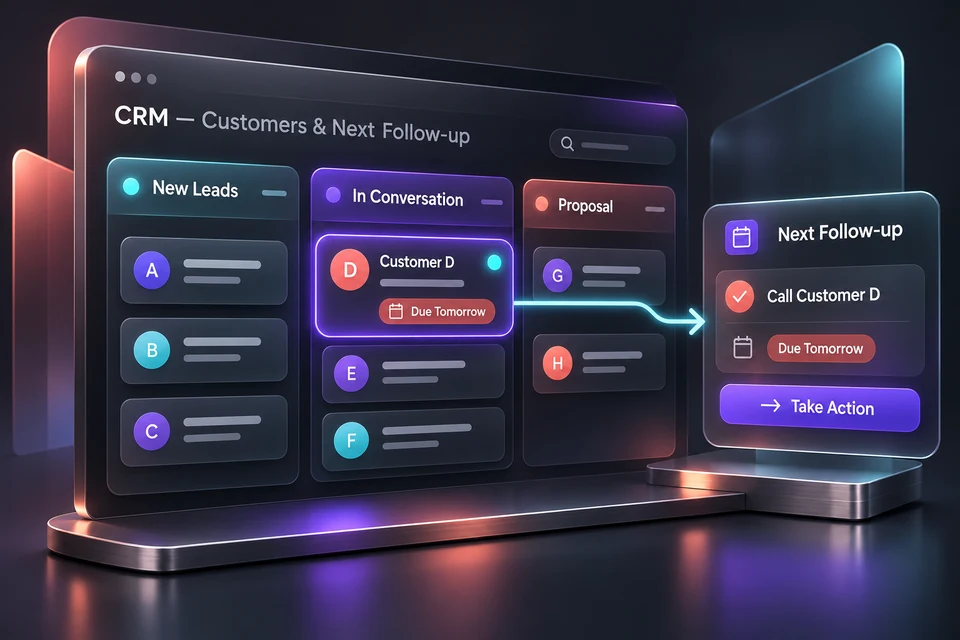
A customer list is only a starting point. A useful CRM system shows who owns an enquiry, what has been discussed and what should happen next. OPSVORY plans custom CRM development for Malaysian businesses in KL, Selangor and beyond.
Tell us the users, current tools and three first-version priorities. Online discussions; scope and delivery are agreed before development.
An enquiry arrives in chat, a quote lives in a spreadsheet and the follow-up date stays in someone’s memory. When that person is unavailable, the team cannot see the full context. A CRM should make this handover visible.
Teams that quote before a sale, have more than one person handling customers, or need to see follow-up work across several active enquiries. Renovation, wholesale and professional services are useful starting scenarios.
Capture relevant requirements, enquiry source, location and responsible person. Agree on essential fields so data entry remains practical.
Define stages that match your actual selling process, with clear rules for moving a lead forward, closing it or revisiting it later.
Keep a clear reference to the version being discussed, its scope and approval status. More complex pricing rules can be scoped separately.
Record the next action, owner and date. Distinguish a planned task from an automated message; external notifications need their own integration.
Bring your current stages, customer fields, user roles and a few anonymised enquiry examples. We assess access control, shared storage, backups, migration, reporting and integrations before proposing a production system. These are separate from the browser-local demonstration.
Try adding a renovation enquiry, assigning a stage, saving a quotation version and setting the next follow-up date in our self-built demo. It demonstrates the interaction with fictional records; it is not evidence of a deployed client CRM.
Selected customer and follow-up workflows can move into a shared system if the scope, migration and team responsibilities are defined. Not every spreadsheet needs to be replaced.
Only when the workflow, data or integration needs justify it. Compare configuration and subscription options before committing to development.
No. It saves a follow-up date in the current browser. Real notifications require a separately scoped channel, consent flow, API access and running-cost assessment.
The current demo is local to each browser. Shared production use needs a database, authentication, permissions and an agreed operating setup.
Share your industry, location, current tools and the task you want to improve. We will use that context to discuss a suitable first version.
Self-built demos use fictional records. Production security, shared data and integrations require an agreed project scope.